
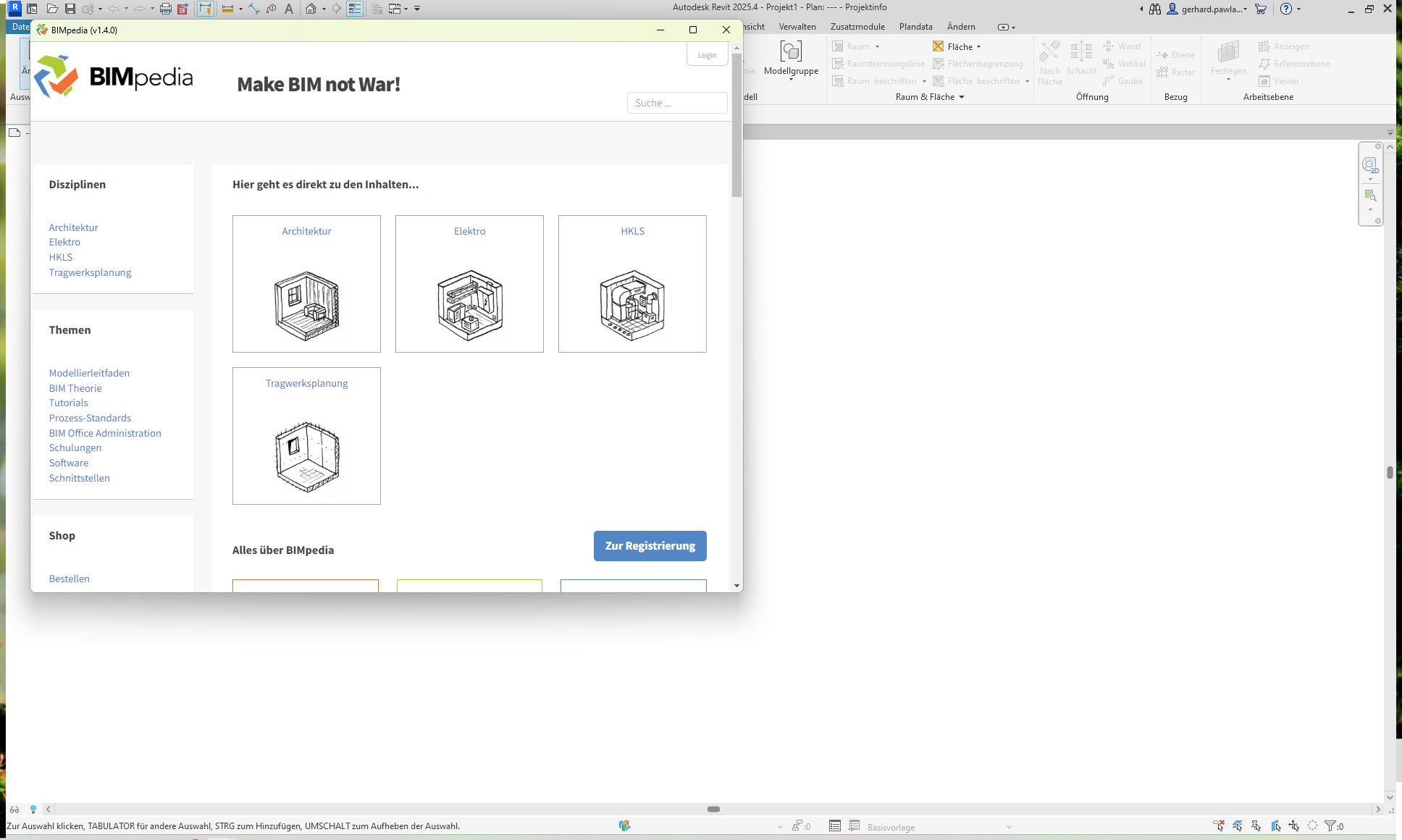
The "BIMpedia Add-in for Revit" provides links from model components selected in the project to the corresponding modeling guides on BIMpedia.eu.
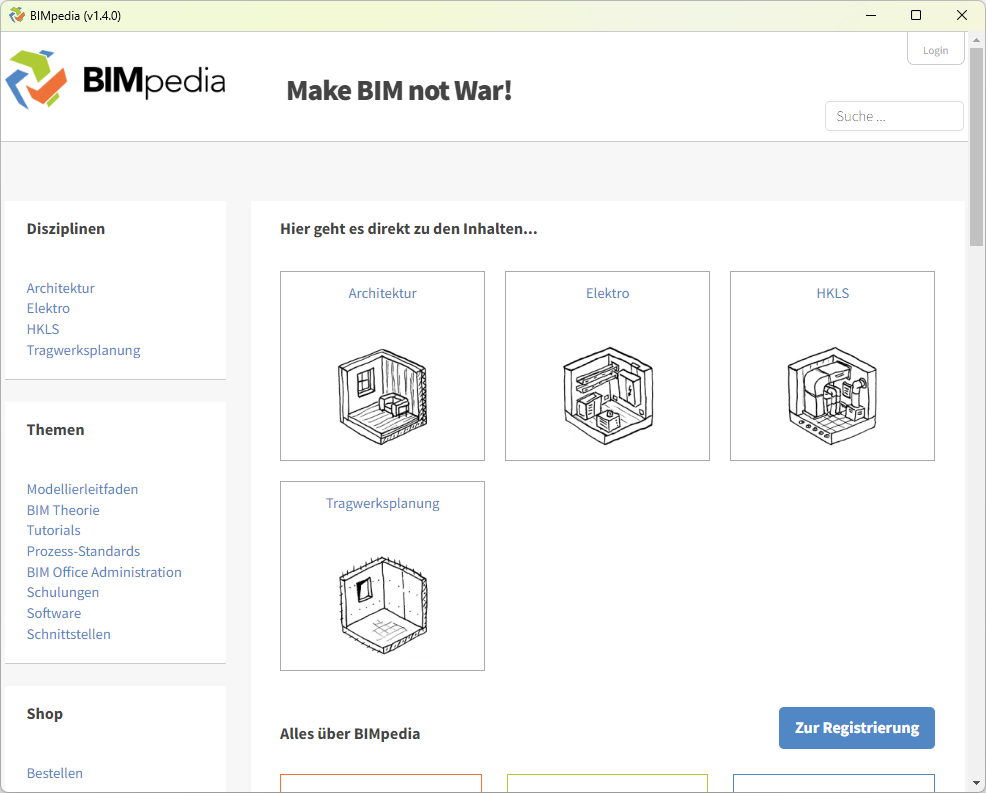
Modeling in accordance with project-specific BIM guidelines often requires additional reference materials. Especially when dealing with complex specifications, it can be time-consuming to find the right information in separate PDF guides or on web portals while working.
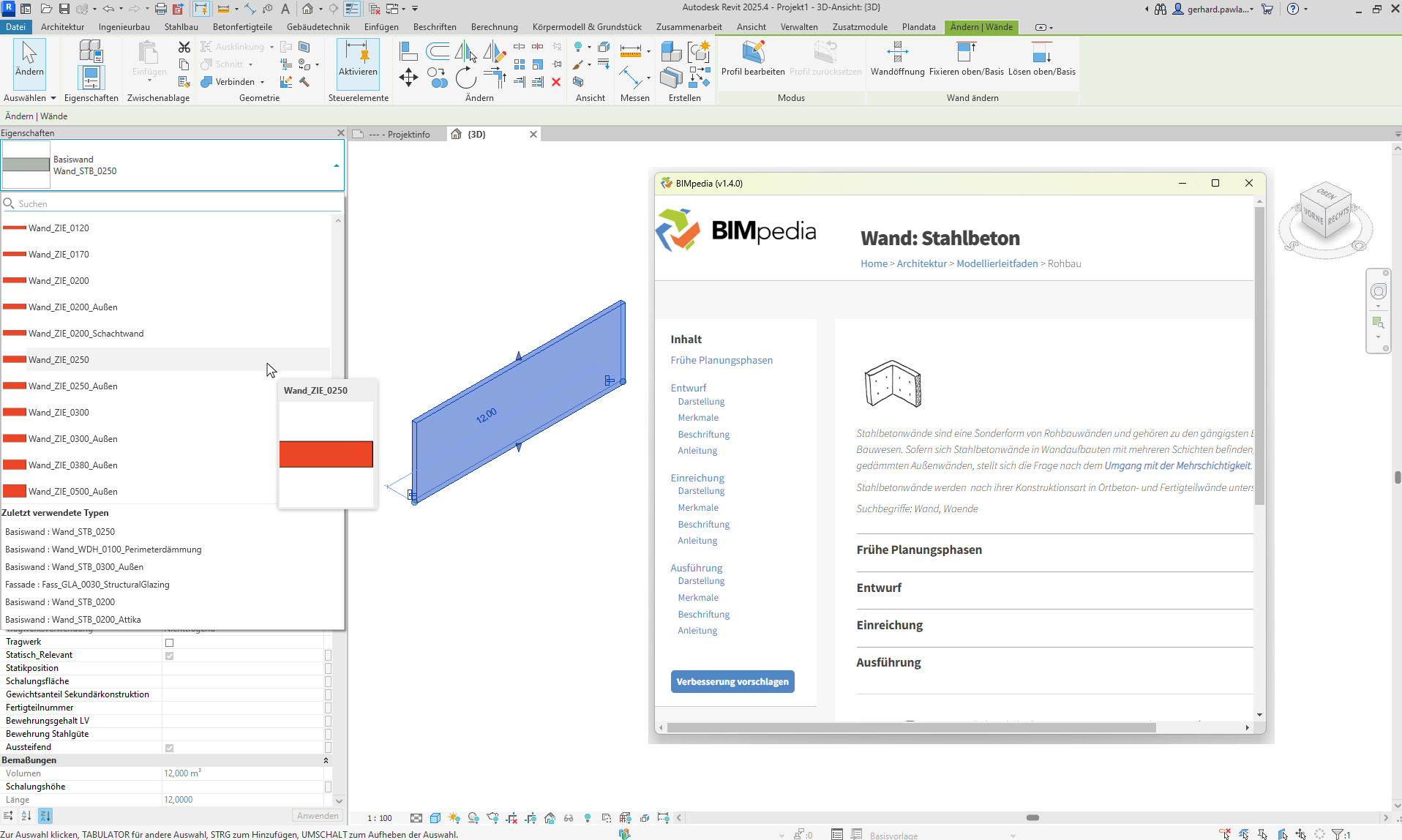
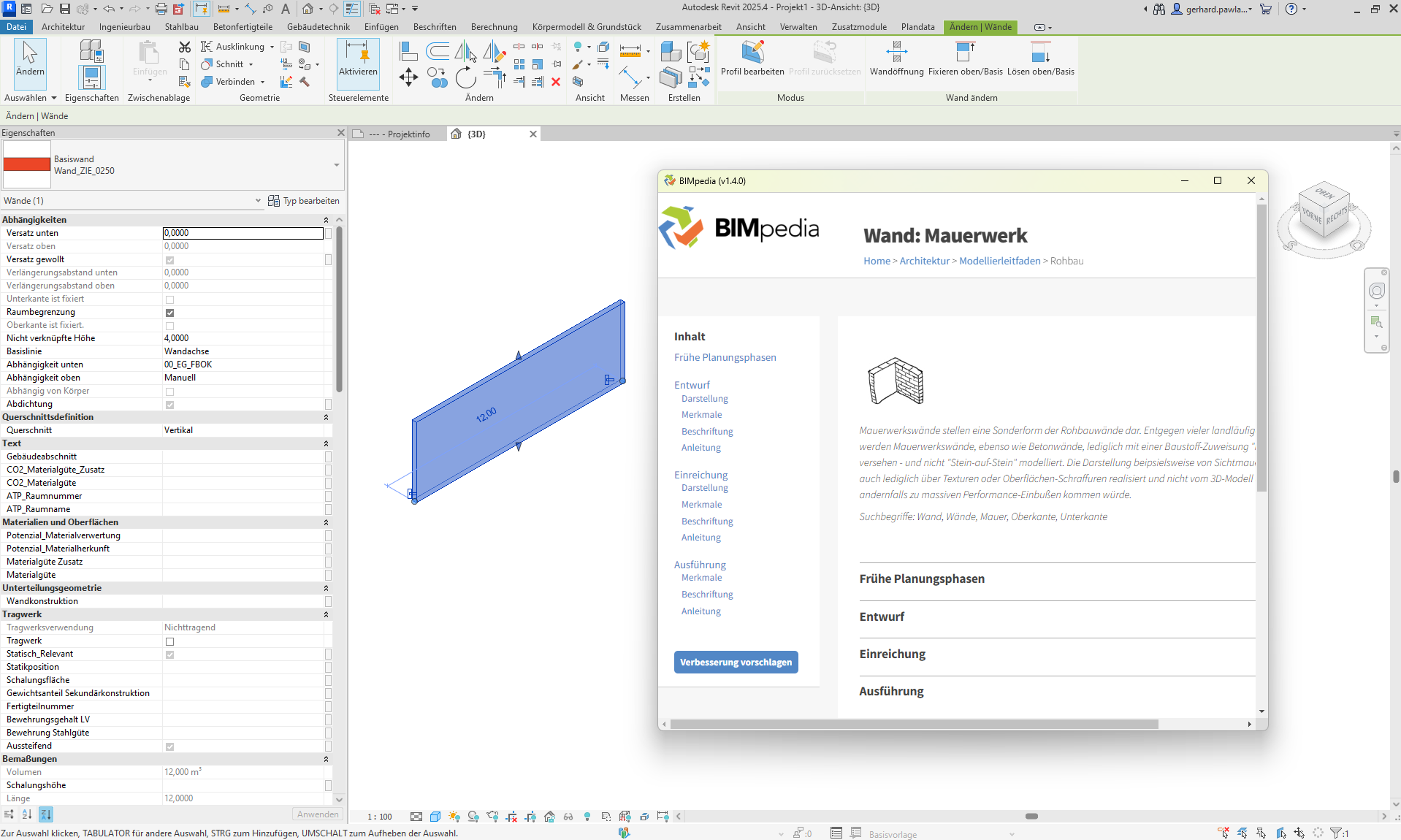
The BIMpedia add-in brings modeling guidelines directly into Revit—context-sensitive and just a click away.
- Direct access to modeling guides—tailored to the current selection in the model
- Reduced search effort and media discontinuities
- Consistent modeling according to project-specific guidelines
- Intuitive operation directly in Revit
- Automatic reloading upon component changes (for common types)
With this add-in, you can:
- Open the bimpedia.eu homepage directly from Revit
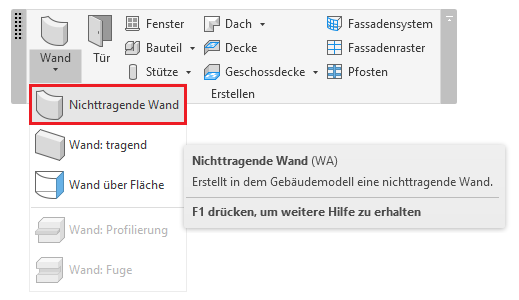
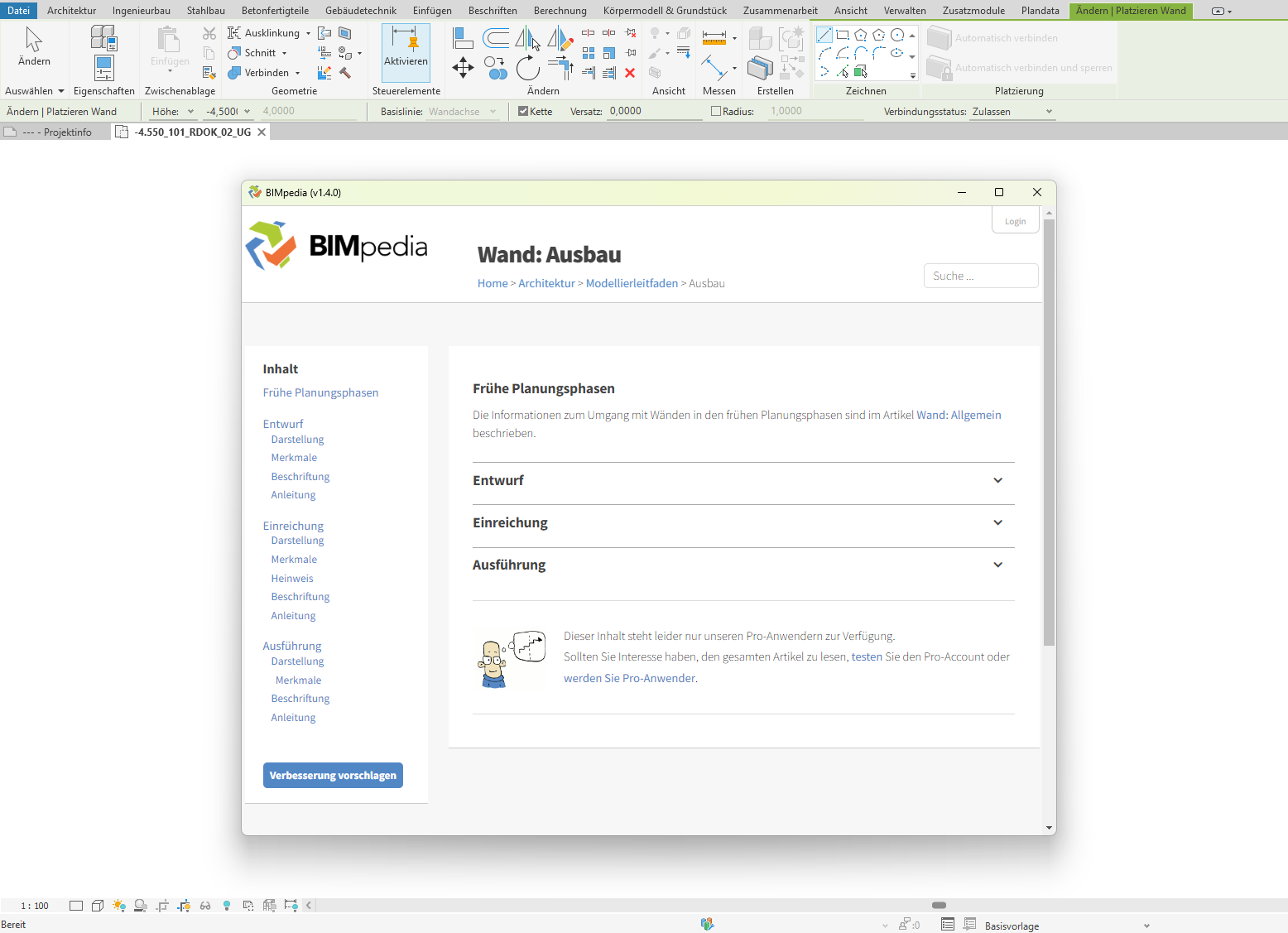
- Display the appropriate modeling guide by selecting a Revit command
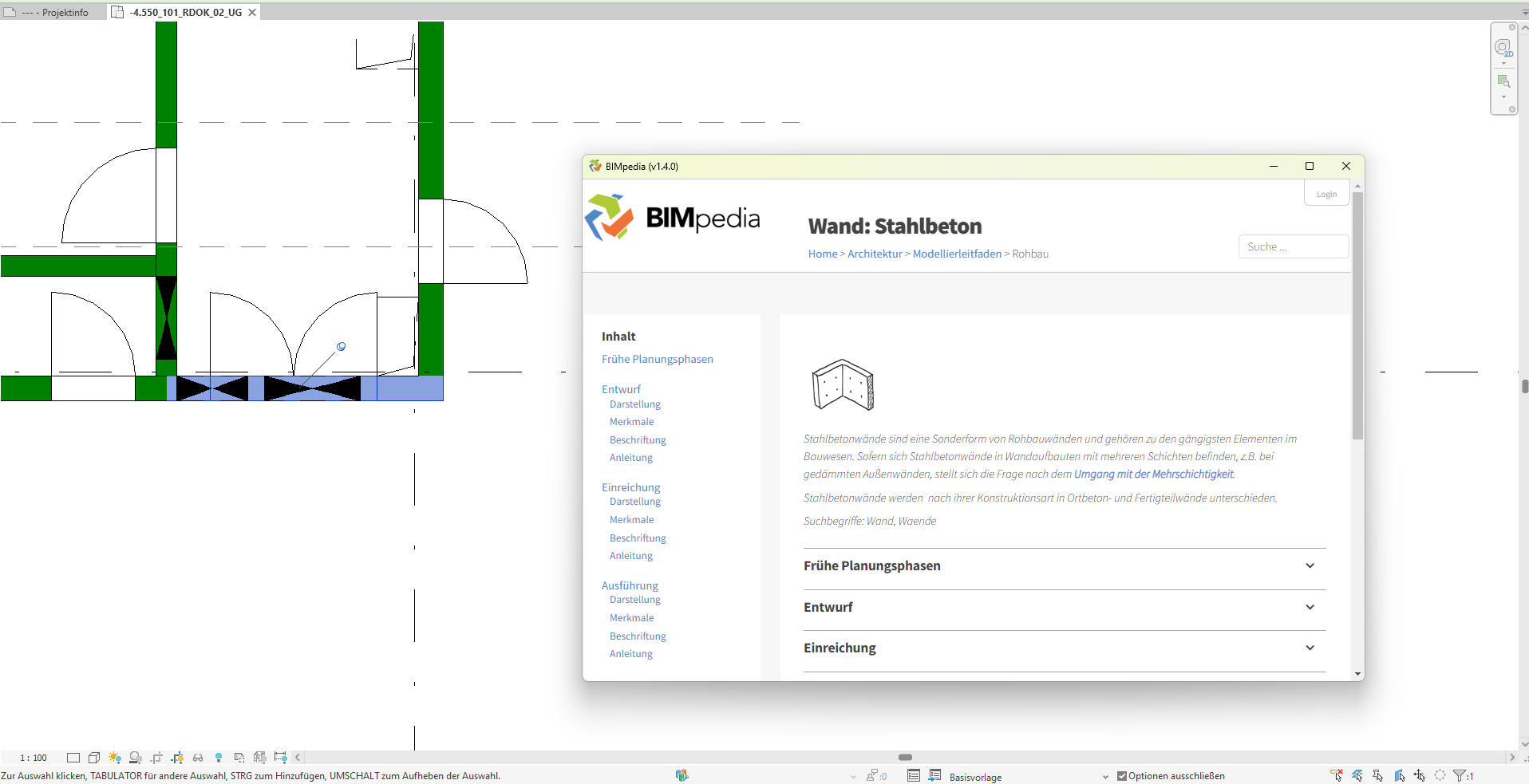
- Access the corresponding BIMpedia category directly when selecting already placed elements
- Be automatically redirected to the corresponding documentation when changing component types
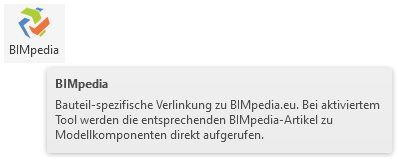
- Launch BIMpedia by clicking the BIMpedia button
1.6.0.0
- Revit 2026.0 through 2026.4 is now supported
- Bug fixed: The button no longer opens additional instances of the window; instead, it brings the window to the foreground.
Currently, automatic linking is only available for a selection of frequently used component categories. Additional types will be added gradually. An active internet connection is required for navigation.
If you encounter any problems or have questions, or if you’d like to share ideas or suggestions, please feel free to contact our customer service team. We look forward to your suggestions for improvement